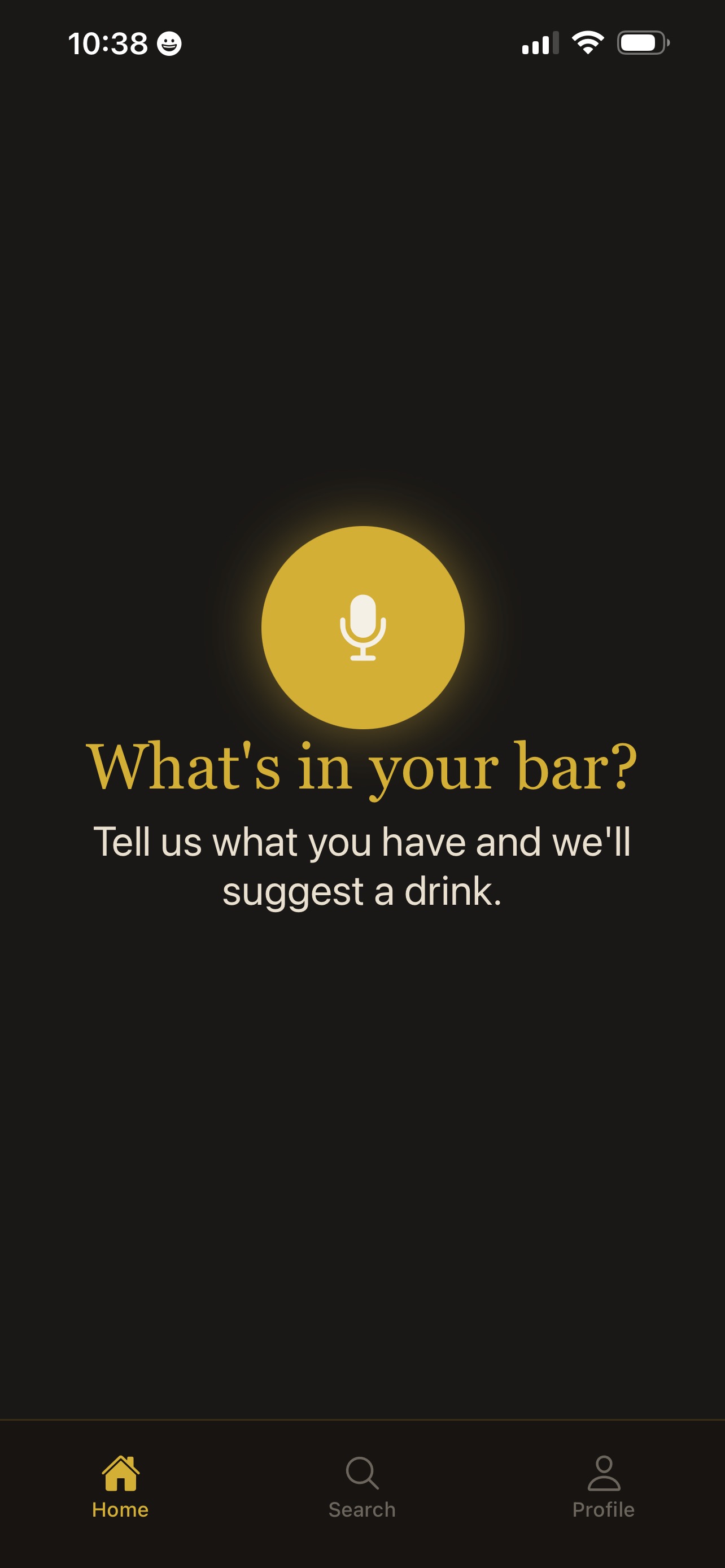
Screenshots
All Day Drinks
AllDayDrinks is a mobile app (iOS and Android) that suggests cocktail and mocktail recipes based on what you have on hand. You tell the app your ingredients (by voice or text), and it returns 2–3 recipes you can make, with full ingredients and steps. No login required to start; optional Pro subscription for unlimited use and saving drinks.
Main Features
-
Voice and typed search — Use the mic on Home or the search bar on Search.
-
AI-powered suggestions — Uses an LLM (e.g. OpenAI) to turn ingredients into concrete recipes (name, ingredients, steps).
-
Category browsing — Explore by style (classic, tropical, by spirit). Drink names are fetched by category; full recipe is loaded when you tap a name.
-
Sober mode (Settings) — When enabled, the app shows only mocktails/non‑alcoholic drinks. Search and categories both respect this (different prompts and, on Search, mocktail-only categories).
-
Save drinks (Pro) — Save recipes to a local “Saved Drinks” list and open them from Profile → Saved Drinks.
-
Share recipe — From a recipe screen, share the recipe as text (e.g. to Messages), with optional App Store/Play Store link.
-
Display name (Settings) — Optional name shown on Profile (default “Mixologist”); editable in Settings.
-
First-launch modal — One-time “Rules of the road” (free limit, Pro benefits, how to use the mic). Same text is in Profile → About for later reference.
-
Pro subscription — Unlocks unlimited daily queries and Saved Drinks. Purchases are handled by Adapty (App Store / Google Play). Paywall shows plans (e.g. monthly/annual) with per‑day pricing and “Restore purchases.”
-
No account required — You can use the app without signing in.
-
Data is local — Saved drinks, query count, and settings (sober mode, display name, onboarding seen) are stored on the device (e.g. via file storage), not in a custom backend.
-
Pro status — Tied to the device’s store account (Apple ID / Google account) via Adapty; no separate app login.
Who It’s For
People who want to use what’s already in their bar (or pantry) to get concrete cocktail or mocktail recipes: home users, hosts, and anyone who prefers “what can I make with this?” over browsing a big catalog. Sober mode makes it useful for non‑alcoholic drinks as well.


Get support
Having an issue with All Day Drinks? Send us a message below.